Skip to content
SX Sistemas

Downloads

Tools from SX Sistemas partner developers to make your Windows more practical. Software that automates actions, saves clicks and adds features the system doesn't have, so you save time at work and in everyday life.

Program image not found.
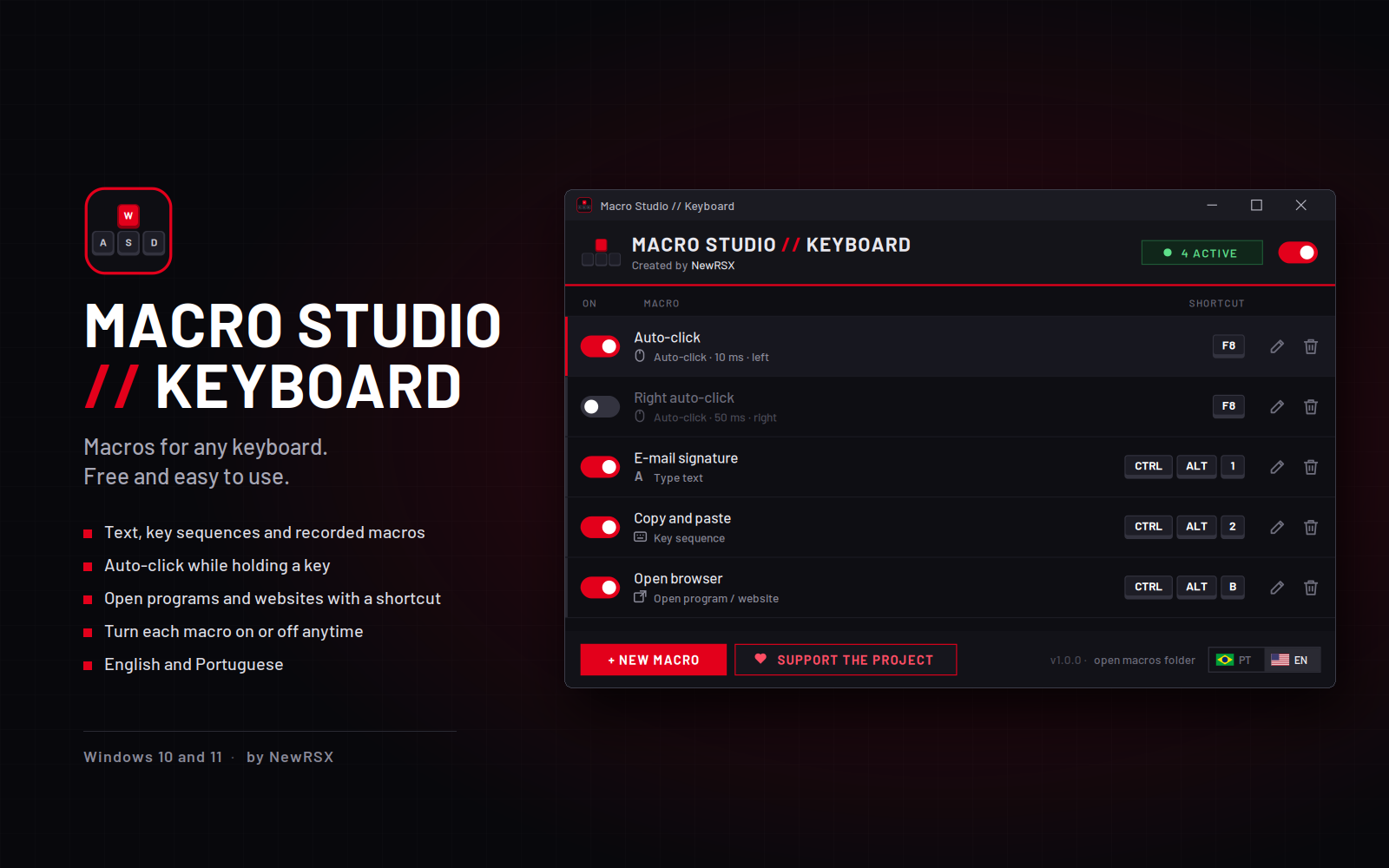
assets/img/programas/macro-studio-keyboard-en.png

Macro Studio // Keyboard

Macros for any keyboard.

Free Windows

Macro Studio creates macros on any keyboard, without the manufacturer's software. Bind a shortcut to a ready-made text, a key sequence, auto-click while you hold a key, or opening an app or website, and turn each macro on or off whenever you want.

It was born to replace the official software of a discontinued keyboard and became a tool that works with any model, from gaming keyboards to regular office ones.
Program image not found.
assets/img/programas/macro-studio-mouse-v1.2.0-en.png

Macro Studio // Mouse

Macros for any mouse.

Free Windows

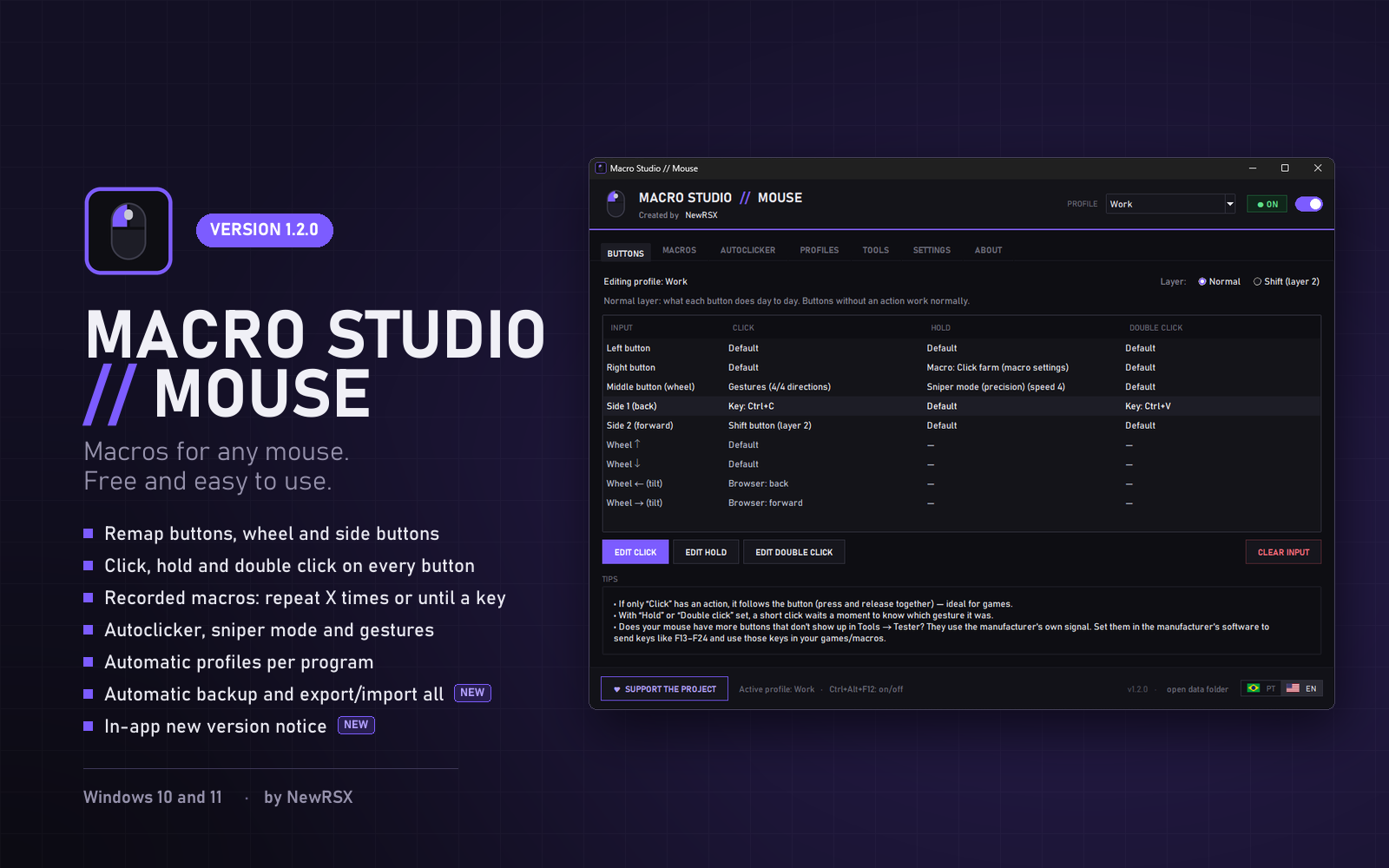
Macro Studio // Mouse adds macros to any mouse, without the manufacturer's software. Remap the buttons, the wheel and the side buttons, and set a different action for click, hold and double-click on each button.

Record macros that repeat X times or until you press a key, use autoclicker, sniper mode and gestures, and let the right profile switch on by itself when you open each app.

Program image not found.
assets/img/programas/optima-studio-alerts-v1.1.0-en.png

Optima Studio // Alerts!

Quick reminders, from anywhere.

Free Windows

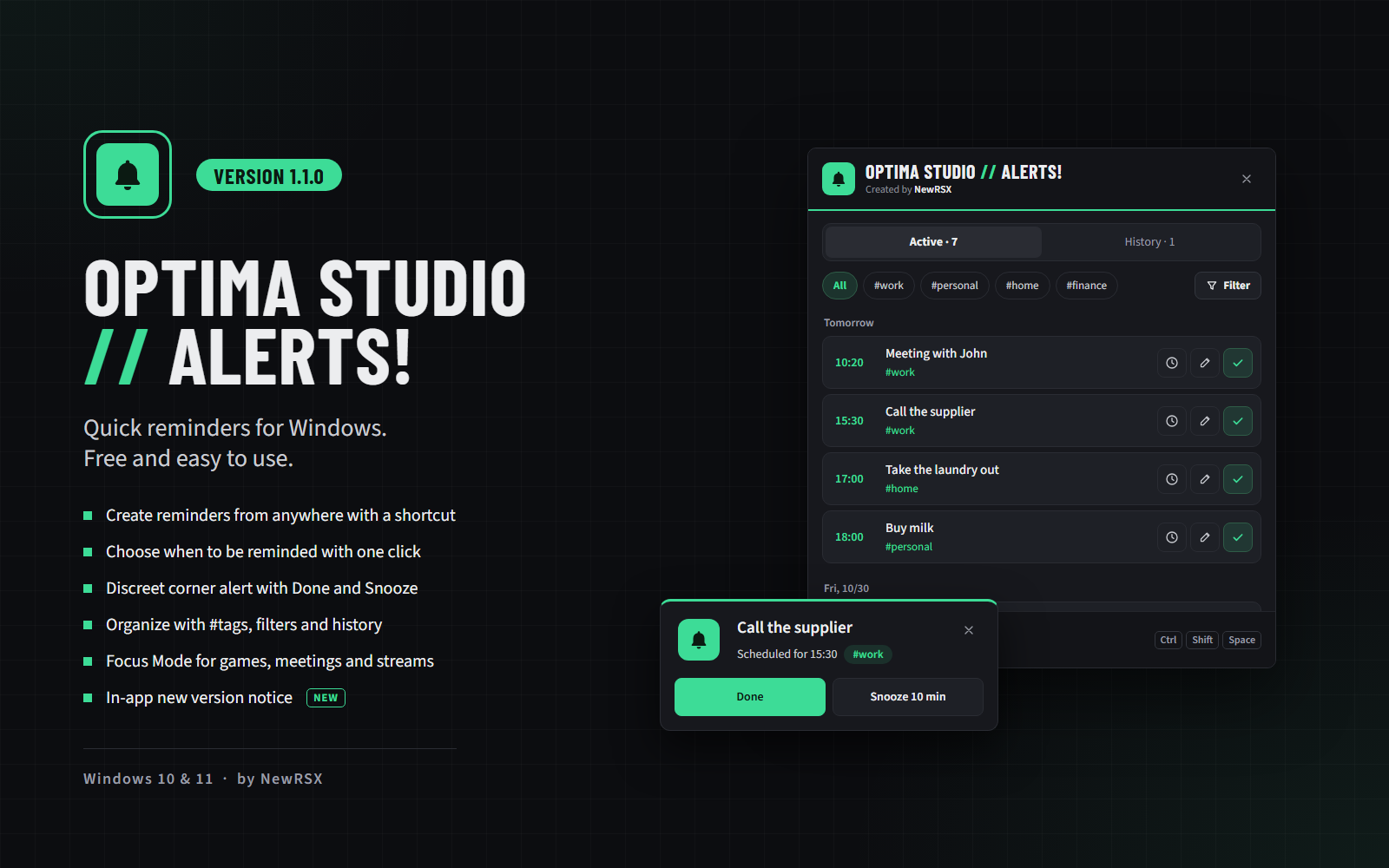
Optima Studio // Alerts! creates quick reminders on Windows. With a shortcut, you jot down a reminder from anywhere and pick when you want to be reminded with one click.

At the scheduled time, a discreet alert appears in the corner of the screen, with Done and Snooze options. Organize everything with #tags, filters and history, and use Focus Mode for gaming, meetings and streaming.

Program image not found.
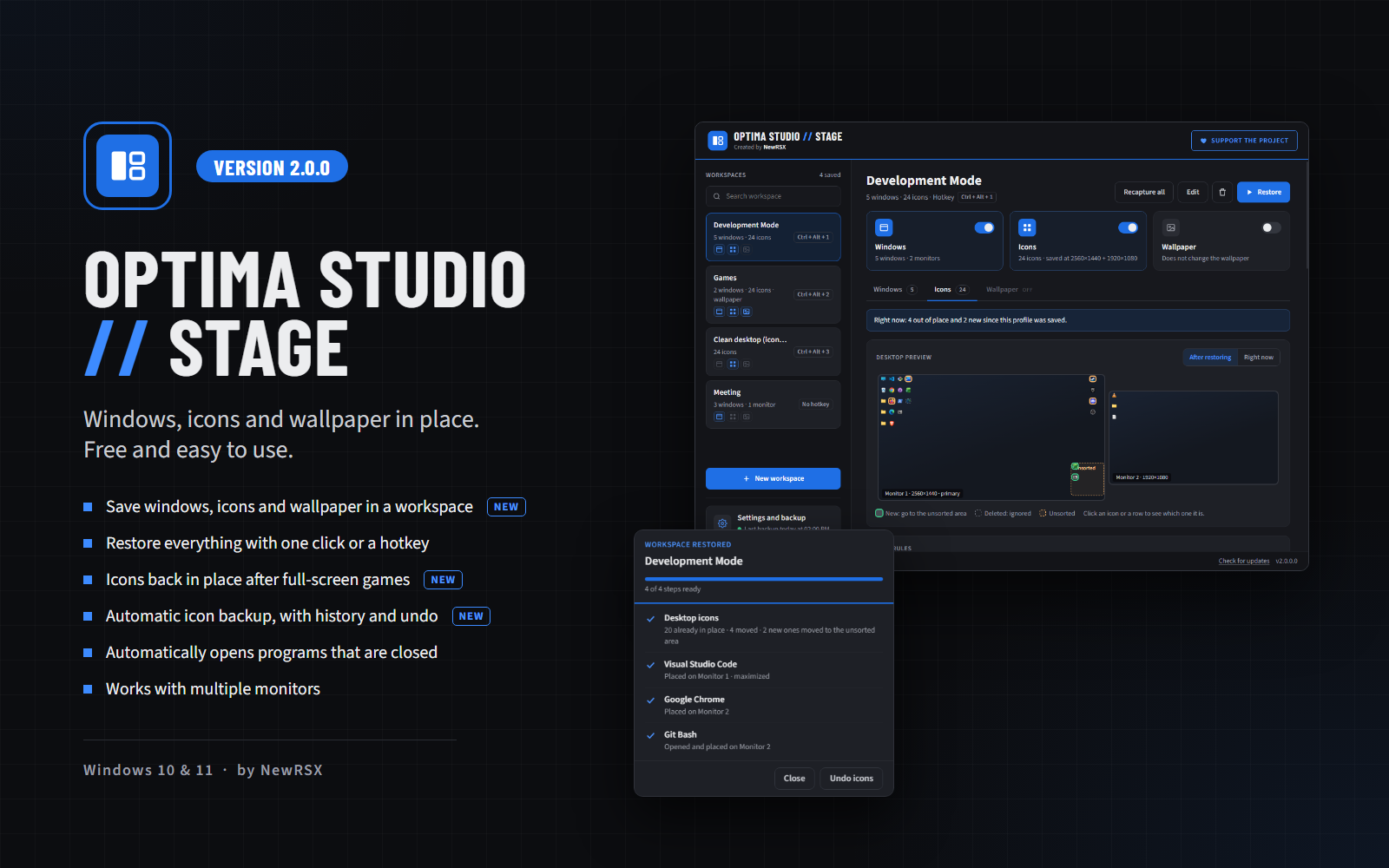
assets/img/programas/optima-studio-stage-v2.0.0-en.png

Optima Studio // Stage

Windows, icons and wallpaper in place.

Free Windows

Optima Studio // Stage organizes your screen into workspaces. Save your windows, desktop icons and wallpaper under a name, like “Work Mode” or “Gaming Mode”, and restore everything with one click or a hotkey.

Closed programs open by themselves, and icons go back in place after a full-screen game or a disconnected monitor. Stage also backs up your icons automatically, with history and undo.

Program image not found.
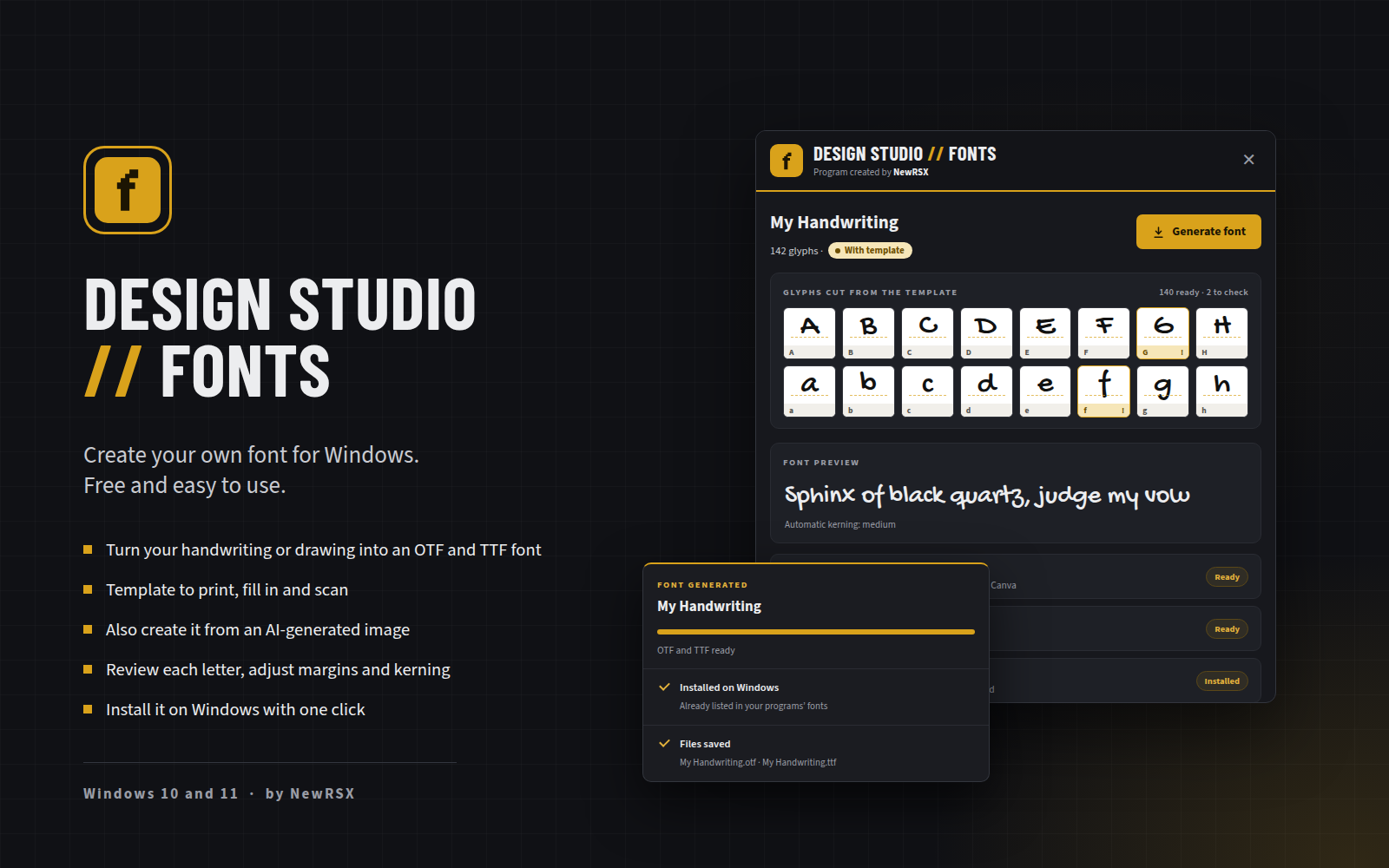
assets/img/programas/design-studio-fonts-en.png

Design Studio // Fonts

Create your own font.

Free Windows

Design Studio // Fonts turns your handwriting, a drawing or an AI-generated image into a real font, in OTF and TTF formats. Print the template, fill it in by hand, scan or photograph it, and the program cuts out each character on its own.

Then just review the letters, adjust margins and kerning, check the preview and install the font on Windows with one click, ready to use in Word, Photoshop or Canva.

Program image not found.
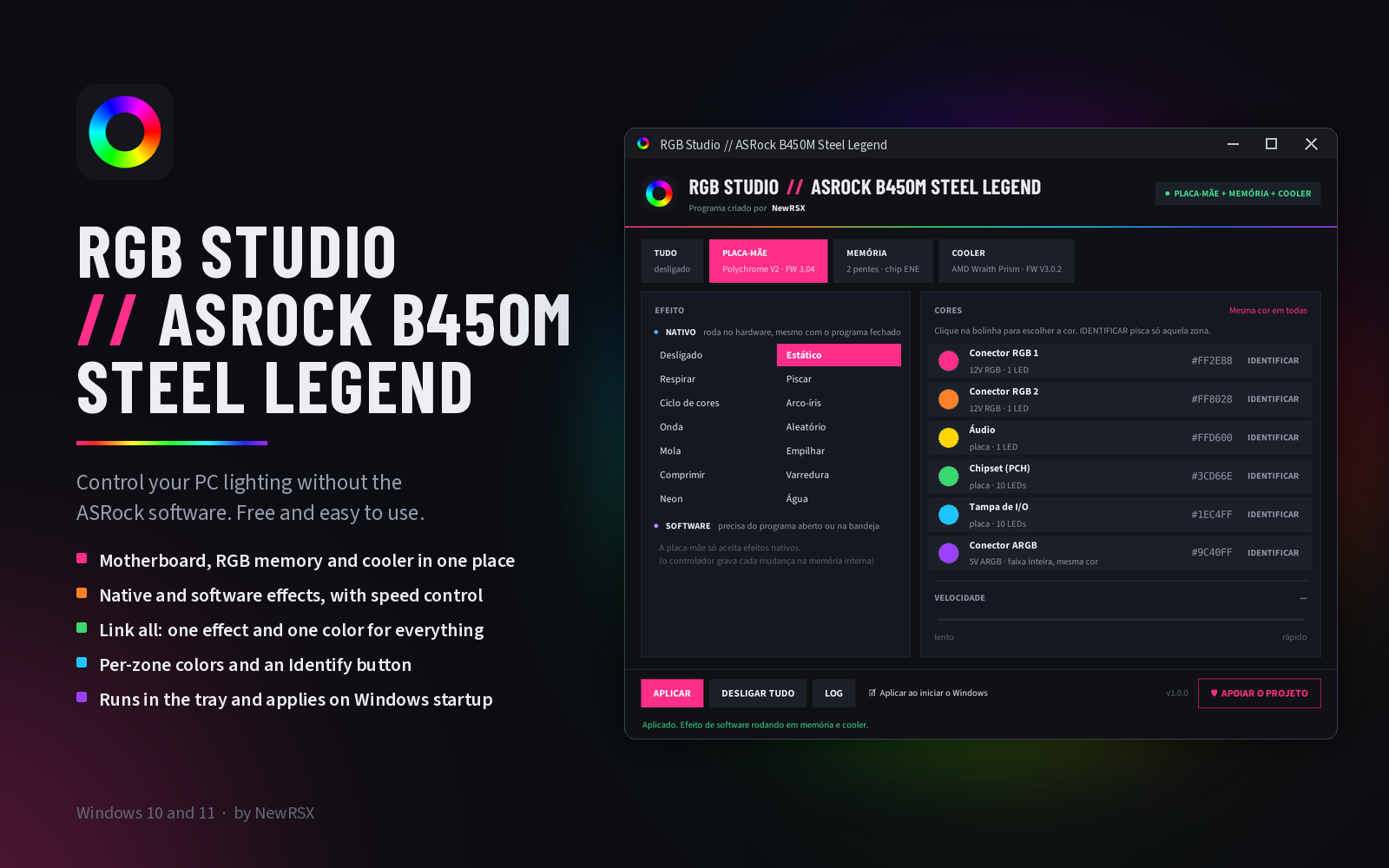
assets/img/programas/rgb-studio-asrock-b450m-steel-legend-en.png

RGB Studio // ASRock B450M Steel Legend

Control your PC's LEDs without the ASRock software.

Free Windows

RGB Studio controls the lighting of PCs with an ASRock B450M Steel Legend motherboard, without the ASRock software. Motherboard, RGB memory and AMD Wraith Prism cooler in one place, with per-zone colors, effects with speed control and an option to link everything into a single effect.

It was created because the board's official lighting software simply did not work.