Skip to content
SX Sistemas
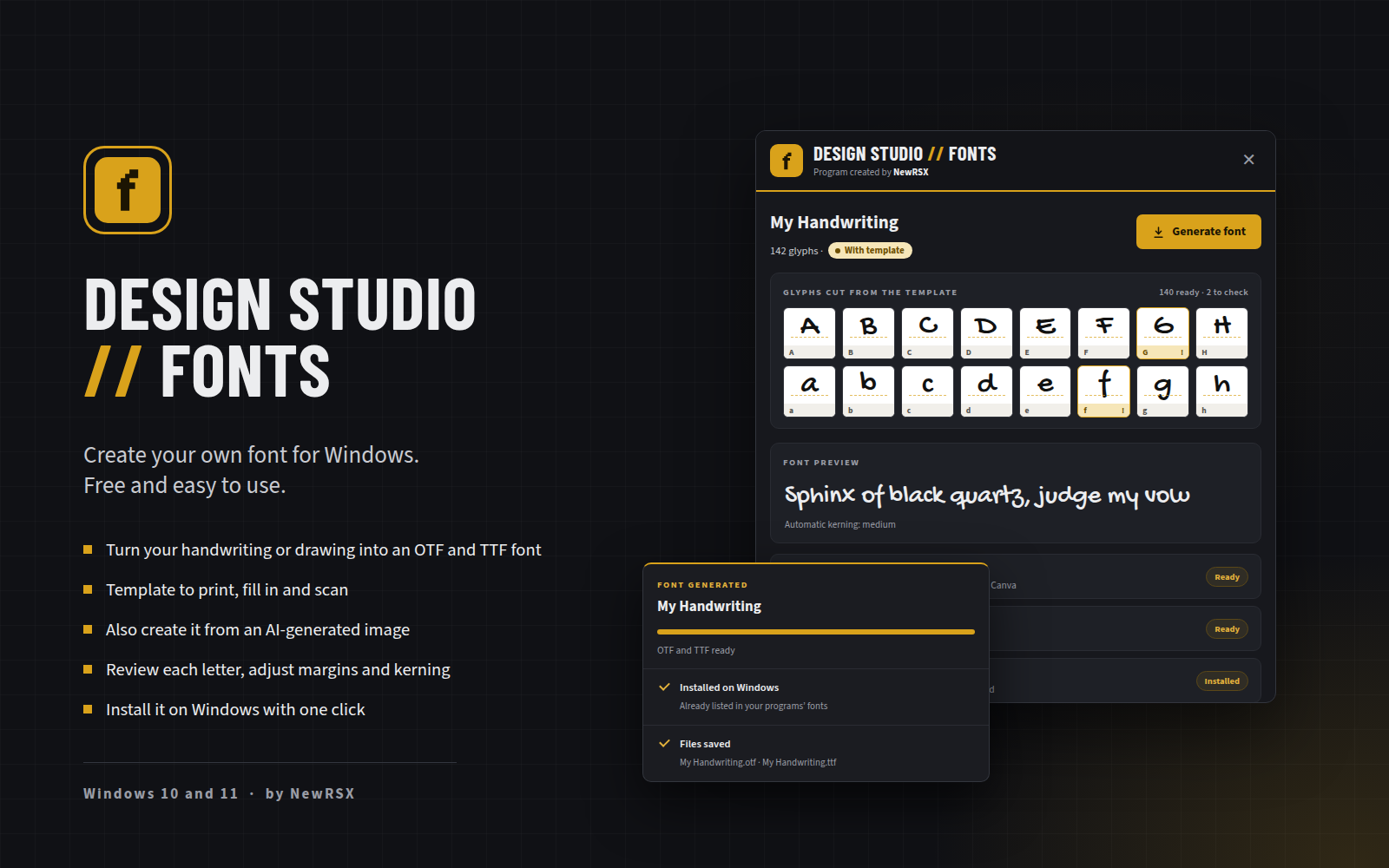
Design Studio Fonts, font creation program for Windows: glyphs cut from the template, font preview and a font generated and installed notice

Program image not found.
assets/img/programas/design-studio-fonts-en.png

Design Studio // Fonts

Font creation program, free for Windows

Free

Design Studio // Fonts turns your handwriting, a drawing or an AI-generated image into a real font, in OTF and TTF formats. Print the template, fill it in by hand, scan or photograph it, and the program cuts out each character on its own.

Then just review the letters, adjust margins and kerning, check the preview and install the font on Windows with one click, ready to use in Word, Photoshop or Canva.

Version
1.1.0
Installer date
Developer
NewRSX
System
Windows 10 and 11
Languages
Portuguese and English
License
Free

If Windows shows a security warning when opening it, click “More info” and then “Run anyway”.

What you can do with Design Studio // Fonts

Create a font with your own style, for work, invitations, logos and personal projects, without expensive design software.

  • Template to fill in

    Generate the sheet as PDF or PNG, choose the characters (uppercase, lowercase, numbers, accents, punctuation and symbols) and fill it in by hand. It can be scanned or photographed.

  • Font from an image

    Don't want to print? Send an image with the letters, including an AI-generated one. The program includes a ready-made prompt so the AI creates the image the right way, and it recognizes each character.

  • Letter-by-letter review

    Check each glyph, adjust margins and height, fix a character recognized wrong and adjust the letter's area right on the image you sent.

  • Preview and automatic kerning

    Test the font with your own text and compare it with and without kerning before generating it.

  • OTF and TTF, installed with one click

    Generate both formats and install the font on Windows without admin rights. It shows up right away in Word, Photoshop, Canva and other programs.

  • My fonts

    Every font is saved in the program. Open it again whenever you want to adjust it and generate a new version.

Questions about Design Studio // Fonts

Common questions about the font creation program.

Is Design Studio Fonts free?

Yes. Design Studio Fonts is free to download and use. If you like, you can support the developer through the link next to the download button.

How do I create my font?

Choose the characters and generate the template. Print it, fill it in by hand with a black pen, scan or photograph it and import it into the program. Then review the letters and click Generate font.

Do I need a printer?

No. You can create the font from a simple image with the letters, without a template. For more precision, the template path is recommended.

Can I create the font from an AI-generated image?

Yes. In the no-template mode, the program includes a ready-made prompt so the AI generates the image the way it recognizes best. You can also send the template PDF and the font image to an AI to fill in the template.

What if a letter is recognized wrong?

On review, you fix the character with one click and, if the crop got the wrong area, you adjust the letter's frame right on the image you sent.

Which formats does the program generate?

OTF, recommended for current programs, and TTF, for compatibility with older programs.

Do I need to be an administrator to install the font?

No. The “Install on Windows” button installs the font for your user only.

Which Windows versions does it work on?

Windows 10 and Windows 11.

Why does Windows show a warning when installing?

Windows shows this warning for programs that don't have a paid digital signature yet. Click “More info” and then “Run anyway” to continue.